A sound button is an interface element that triggers the playback of a short audio file when clicked. The My Instant platform (myinstants.com) hosts a collaborative library of these buttons and allows each user to publish new ones from their own files. The process involves three steps: preparing a compatible audio file, uploading it via the site’s form, and then configuring the button (name, category, tags).
Audio format and file preparation before uploading to My Instant
Before opening any form, the audio file must be ready. My Instant accepts MP3 and WAV formats. MP3 remains the most common choice because it produces a lightweight file, suitable for quick loading in the browser.
The duration of the sound affects the button’s effectiveness. An excerpt that is too long loses its comedic or functional impact. A few seconds are sufficient in most cases.
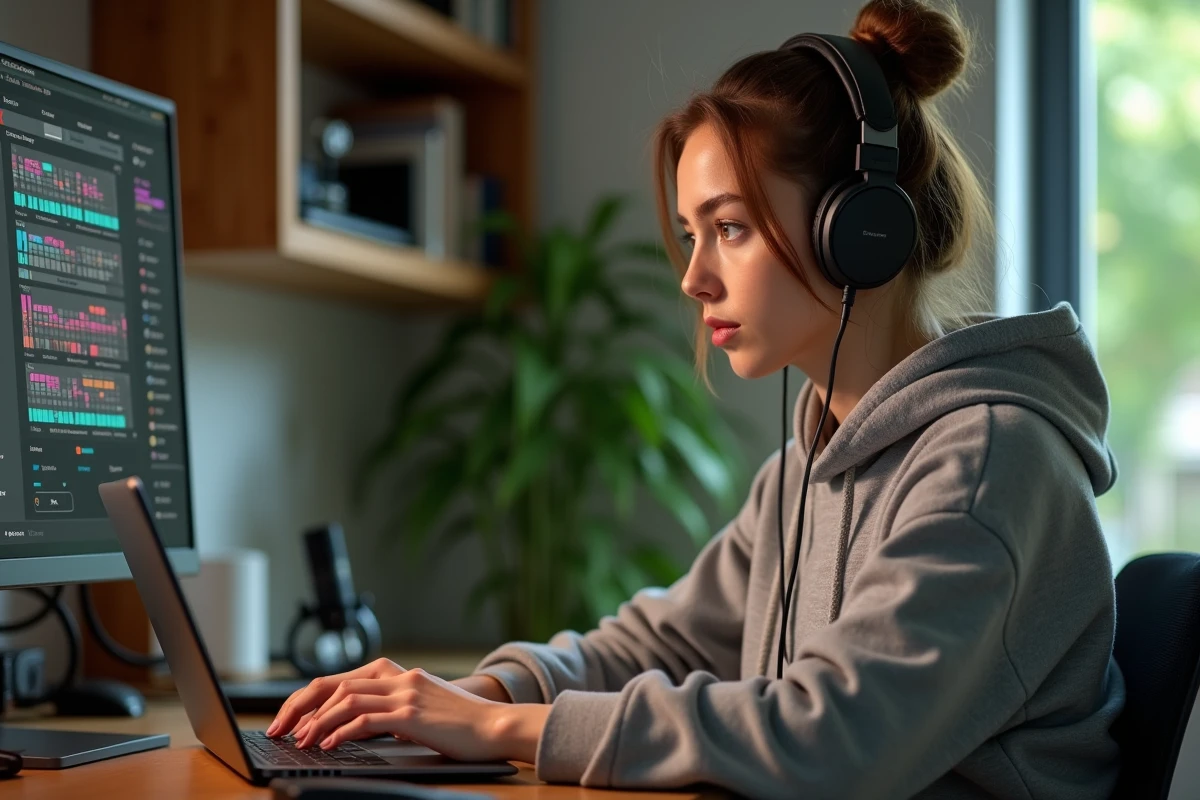
To achieve a clean sound, a free audio editing software like Audacity allows you to trim, normalize the volume, and export in the correct format. Normalization prevents one button from being inaudible next to another whose volume is much higher. A detailed guide explains how to create your own buttons with My Instant starting from a raw file to the final publication.
- Export in MP3 with a bitrate of 128 kbps, sufficient for a vocal excerpt or a short sound effect.
- Trim silences at the beginning and end of the track so that the sound starts instantly upon clicking.
- Ensure that the file does not exceed the size limit imposed by the platform (a few megabytes at most).
Tag system and search filters on My Instant
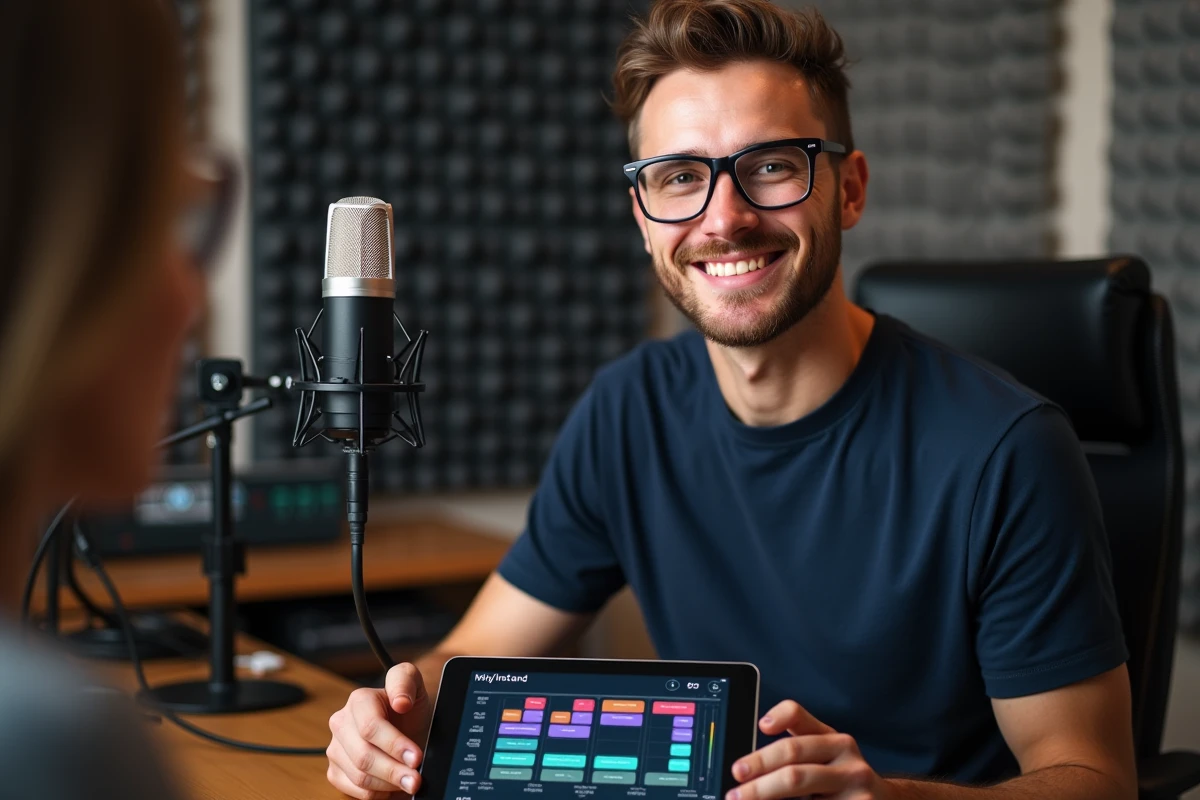
Since the end of 2023, My Instant offers an advanced tag and filter system that goes beyond a simple text search bar. Buttons can be categorized by language, type of sound, and content category (including an NSFW filter). This sorting facilitates navigation in a library that is constantly growing.
When publishing a button, the choice of tags determines its visibility. A button tagged “memes” and “reactions” will appear in the corresponding categories on the homepage. Ignoring this step means publishing a sound that no one will find.
Naming your button to make it discoverable
The button name functions as a micro-title. It should describe the sound concisely: “Slow clap”, “Error buzzer”, “Studio laugh”. Generic names (“funny sound”, “noise”) get lost among thousands of other entries.
A good tag and a descriptive name are enough to multiply a button’s visibility without any external promotion. Users browsing the categories will then stumble upon the sound by serendipity.
Copyright and risks related to sound copyright
Most guides on custom sound buttons overlook the legal question. Publishing an excerpt of a protected song, even for a few seconds, exposes one to concrete consequences.
Since 2024, streaming platforms like Twitch and Kick have tightened their rules regarding the use of copyrighted sounds in soundboards. A streamer who triggers a button containing a non-royalty-free musical excerpt risks an automatic mute of the VOD, or even demonetization of the content. The fact that the sound is hosted on My Instant does not change anything regarding these policies.
To avoid this trap, three approaches work:
- Record your own sounds (voice, homemade sound effects, instruments).
- Use royalty-free sound libraries and check the license before uploading.
- Use effects generated by voice synthesis or sound effect tools, which do not pose intellectual property issues.

Using a My Instant button in an external soundboard
My Instant works in the browser, but the created sound can be used elsewhere. Real-time soundboard software like Voicemod or Jingle Palette accepts the import of short MP3 and WAV files with configurable keyboard mapping. The same audio file prepared for My Instant can be directly reused in these tools.
The advantage is triggering the sound during a stream, a video conference, or an online game without opening the browser. The virtual button from My Instant then becomes a “web” version of the sound, while the software soundboard ensures local playback with lower latency.
Keyboard mapping and sound organization
In Voicemod or Jingle Palette, each imported sound can be assigned to a key on the keyboard or a shortcut. Organizing your sounds by category (reactions, transitions, comedic effects) prevents searching for the right file during a live session. Keyboard mapping transforms a simple audio file into a production reflex.
This continuity between My Instant and a local soundboard opens up a use that competing articles on the platform rarely address. The site is not limited to a web gadget: it also serves as a source library to feed a complete audio production environment.
The key difference between an effective sound button and a forgotten button lies in the initial preparation of the file. A well-trimmed sound, correctly named and precisely tagged will find its audience on My Instant, and can then migrate to any broadcasting tool without further editing.